Configure first
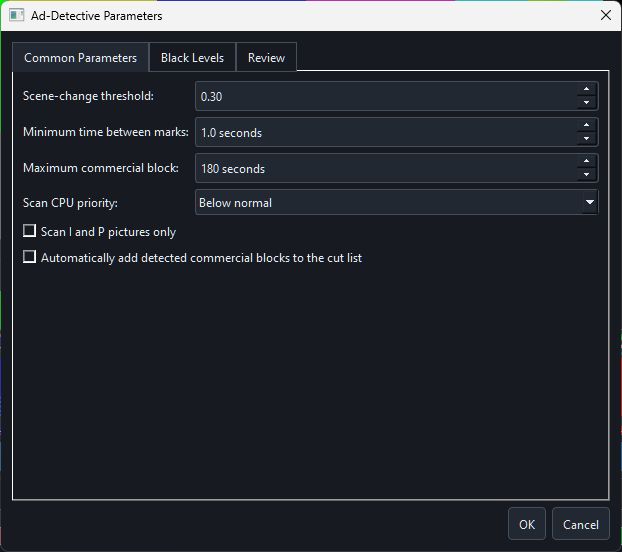
Open Parameters to set scene-change threshold, black-frame rules, minimum mark spacing, maximum commercial-block length, scan region, picture-type policy and review behaviour. Settings persist for later scans and Batch Ad Scan.
Scan without blocking the editor
Ad analysis runs outside the GUI process. The editor remains responsive and reports progress. Hardware decode can be used when the per-codec self-test recommends it; software fallback remains available.
Review every candidate
- Navigate through detected candidates and inspect nearby thumbnails/waveform.
- Review frame statistics and remove false positives.
- Accept candidates as chapter marks, or enable automatic cut creation only for material where the rule is reliable.
- Preview proposed edits before export.