SmartCut64 manual
Precise answers for every part of the workflow
Browse 62 original SmartCut64 articles covering every applicable topic from the established VideoReDo help structure, plus the modern codec, validation, hardware and activation features unique to SmartCut64.
New audio tools: scan LKFS/LUFS loudness and peaks, then adjust output gain, audio format and synchronization.
Updated for 1.0.34: AV1 opening from network drives, Joiner preparation and chapters, Batch controls, and the Explorer context-menu setting.
Updated for 1.0.30: network export cleanup, safe TS repair and recovery, and multiple audio tracks and teletext.
The x64 build provides the documented GPU paths. Hardware acceleration is not currently available in the ARM64 build, which uses software processing and currently claims H.264/HEVC smart-render boundary encoding.
Start with the interface
The whole editor, explained in context
The screenshots are from the current SmartCut64 Windows build using original synthetic test media. They show the real dark theme, frame strip, decoded waveform, cut timeline, profiles and production dialogs.
Tour the editor window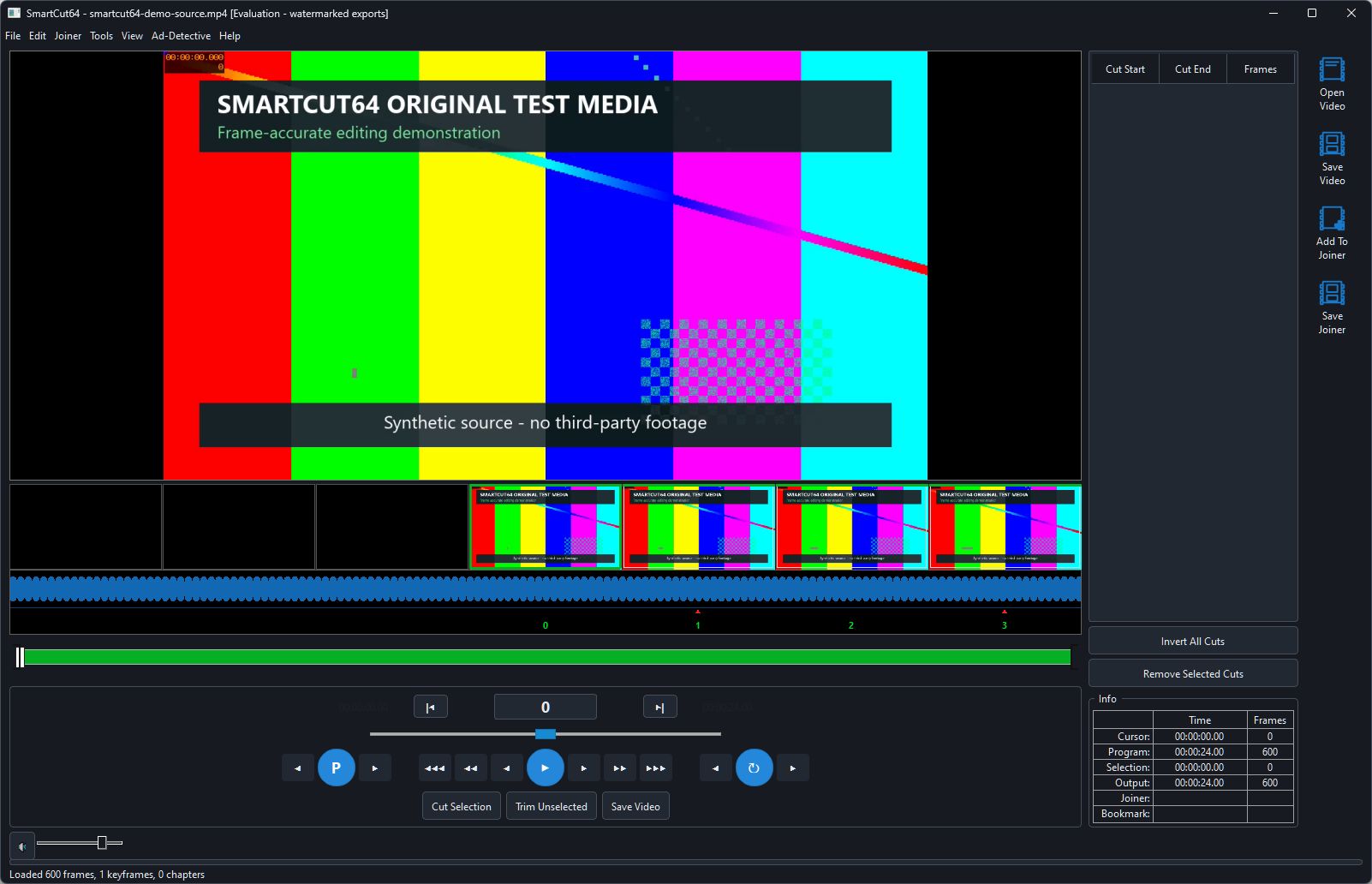
Fast route
Most-used guides
Open a source, make an exact edit, preview only the kept programme and deliver a validated output.
Complete reference
Search all 62 help pages
62 articles
Start here
9 pagesEditing and navigation
13 pagesSaving and output
15 pagesStreams and production tools
21 pagesAd-Detective
4 pagesWhat is intentionally not reproduced
SmartCut64 documents DVD-originated MPEG-2/VOB editing, but it does not include DVD menu authoring, VIDEO_TS creation or disc burning. It also does not claim the legacy VideoReDo COM/ActiveX automation interface or CRID-specific file handling.
All wording and screenshots in this manual are SmartCut64 material. VideoReDo topic names were used only as a completeness checklist; no proprietary help text or artwork has been copied.