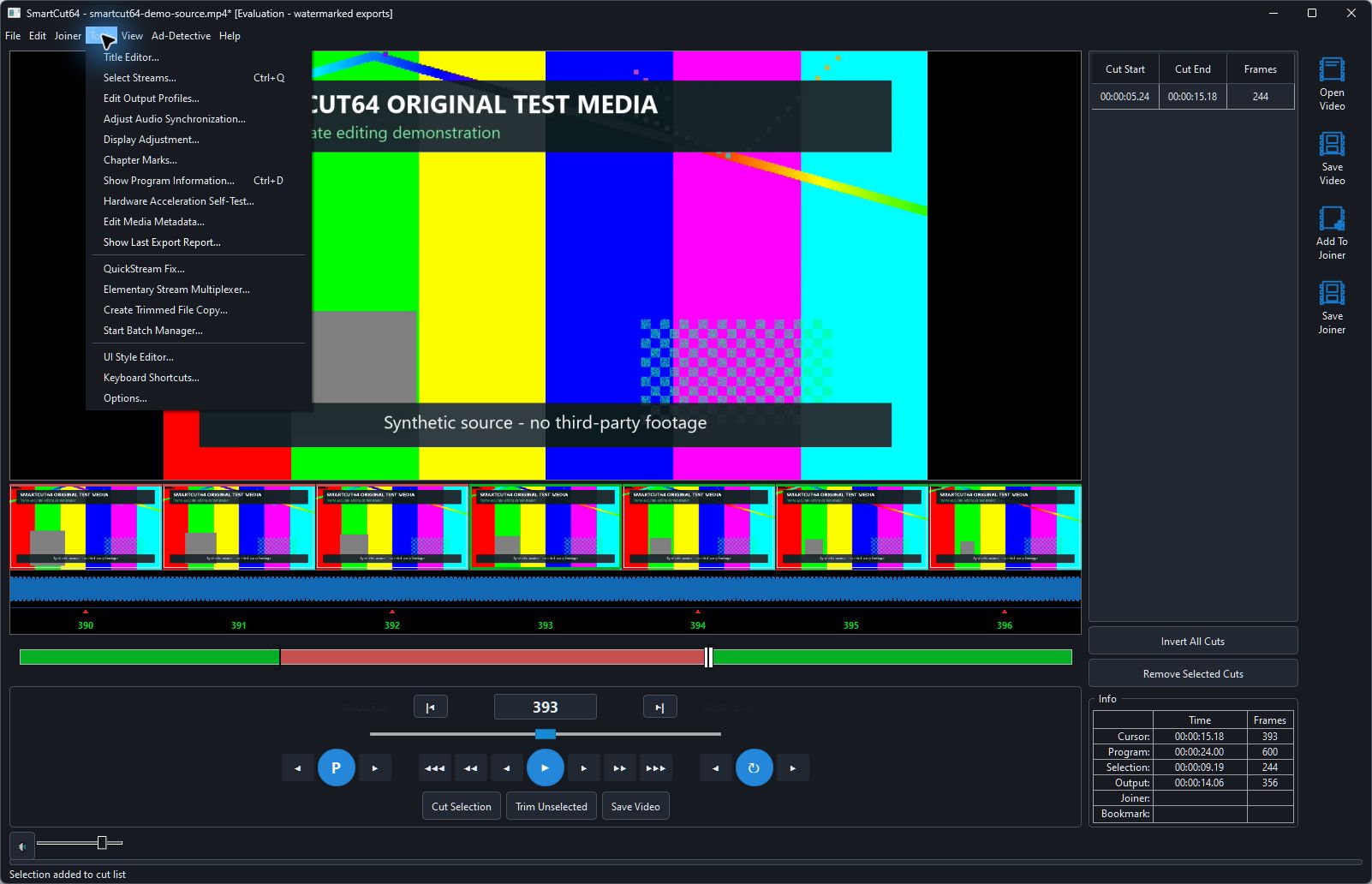
Default preservation
Compatible source streams are preserved by default. The stream dialog exposes each track and its disposition so you can keep the desired language/commentary/subtitle set and remove unwanted tracks deliberately.
Container rules
Selection does not guarantee that a destination container can represent every chosen track. At save time, SmartCut64 can offer a compatible container, exclusion or transcode instead of silently dropping an incompatible stream.
Project and Joiner scope
Stream choices are retained in the editor project. Joiner items must produce a coherent output stream layout; verify language/disposition ordering when joining sources that differ.