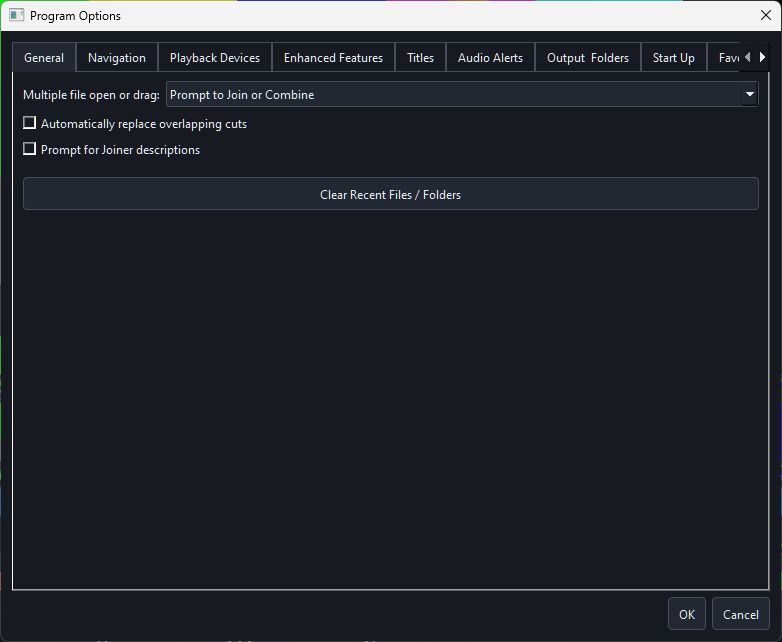
Main groups
- General — multi-file opening, overlap and Joiner prompt behaviour
- Navigation — configurable time jumps and movement behaviour
- Playback Devices — monitoring and preview backend choices
- Enhanced Features — optional workflow/display conveniences
- Titles — title duration and fade defaults
- Audio Alerts — completion and attention sounds
- Output & Folders: default destinations, extension, and the optional Validate output file after export setting
- Start Up and Favorites — launch and frequently used-location behaviour
Hardware settings
Hardware acceleration includes automatic software fallback, one-adapter use and per-codec self-test recommendations. Full-transcode hardware encoding is off by default; boundary GOP encoding stays software-only.
Persistence
Program options persist for the current Windows user. Project files separately store the edit decisions needed to reproduce a specific output.