Create the edit
- Open the source with Ctrl+O.
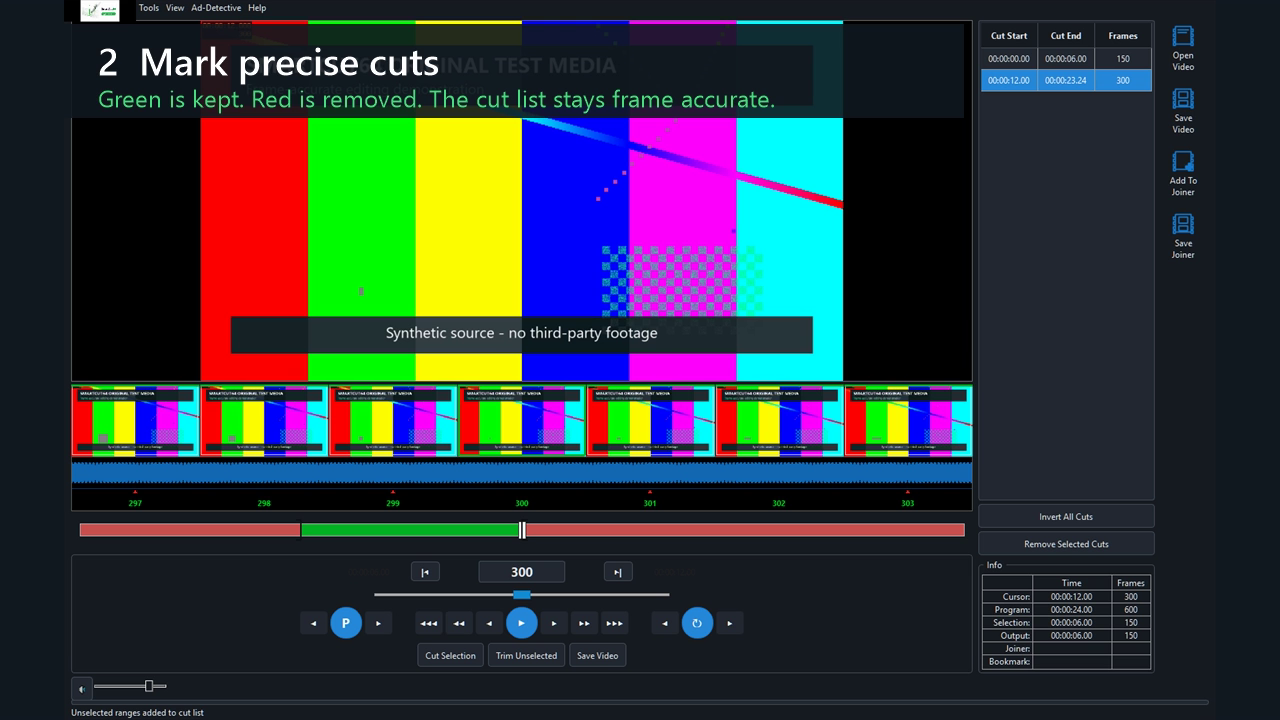
- Navigate to the first frame to remove and press F3 (Mark In).
- Navigate to the first frame that should remain after the removed section and press F4 (Mark Out).
- Press Delete or choose Cut Selection. The selected span turns red and appears in the cut list.
- Press P and play across the edit to preview only kept material.
Save safely
- Press Ctrl+S or choose Save Video.
- Choose a destination different from the source.
- For a same-codec cut, select a Match Source profile in Intelligent mode.
- Wait for processing and any requested validation to finish before using the completed destination.
Frame convention
Selections are half-open: Mark In is included in the selected range; Mark Out is the first frame after it. This prevents duplicate or missing pictures when ranges meet.